They enjoy pictures and colours
Begin with three flags. Name the country together, compare one visual detail and find the country on a map. An adult can read unfamiliar names.
Choose flags from the study sheetFor parents
For a child who is still learning to read, start with shared flag or map activities. For a confident reader, try short country-and-capital quizzes. Compare the learning goal, reading demands and cost before choosing an app. Use the checklist below to decide whether GeoCapitals fits your family.
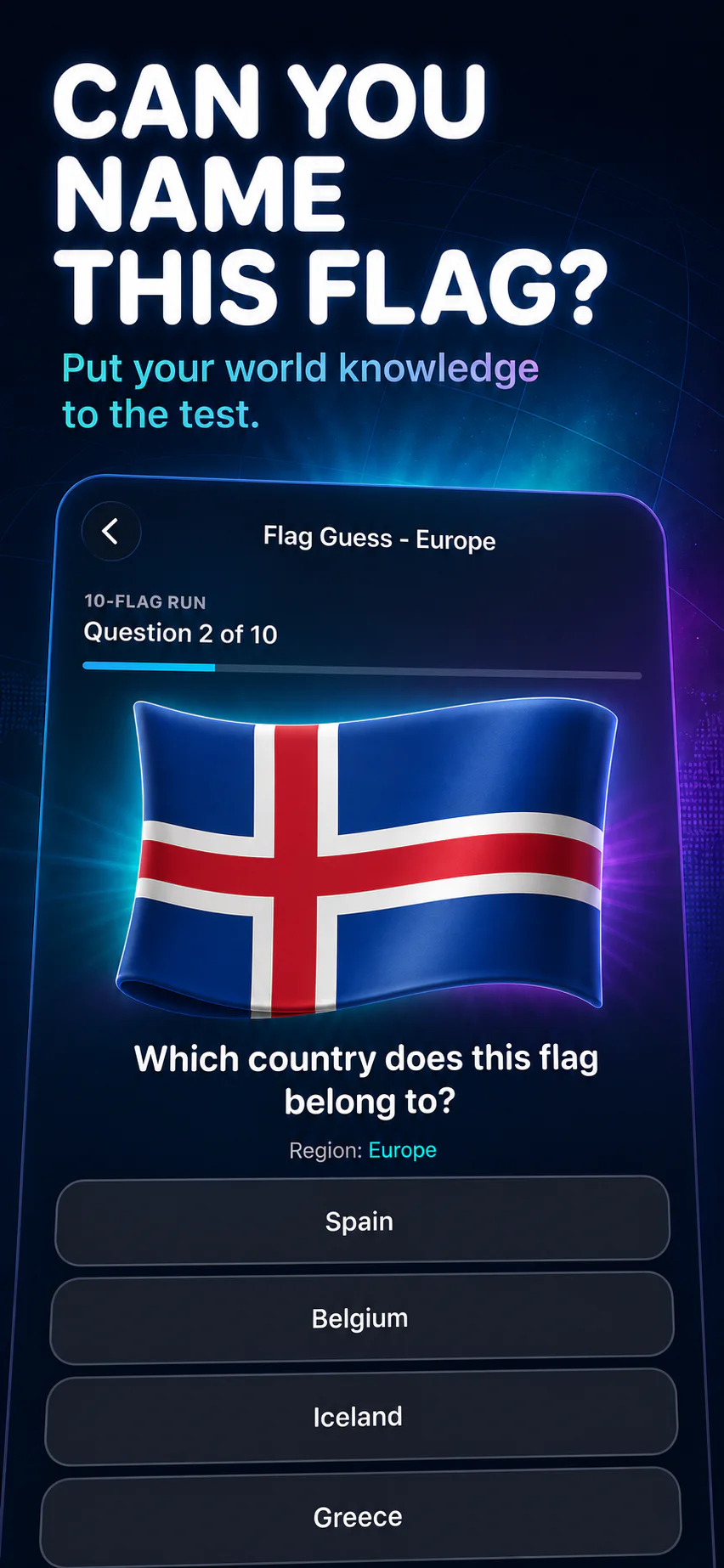
This guide is written by the GeoCapitals team. It is a parent checklist for assessing our app and other learning tools, not an independent ranking of apps.
Begin with three flags. Name the country together, compare one visual detail and find the country on a map. An adult can read unfamiliar names.
Choose flags from the study sheetStart with a labelled map and a familiar country. Find one neighbour, cover the label and ask the child to point again. Add capitals after the country feels familiar.
Try a country-location routineChoose five countries, read the capitals and take turns asking questions. Use a separate answer key so checking a mistake is part of the activity.
Make a printable five-question quizYou can try the free website worksheet generator before deciding whether to use the app for ongoing practice.
A child who loves recognising pictures may enjoy flags before written capital questions. A confident reader might prefer naming capitals and locating countries. Sit together for the first session and notice what needs explaining: the question, the country name, or the map itself. That tells you more about fit than a score does.
Use a familiar place as an entry point: somewhere a relative lives, a country in a story, or a destination your family has discussed. Let the first question come from the child’s curiosity.
Choose a handful of countries from a book or map. Show one flag, say the country name together, and locate it. Older children can add the capital. Take turns asking questions so the adult is a learner too. After the round, ask your child to explain one place they remember without looking.
On another day, return to two familiar places before adding a new one. If guessing takes over, reduce the set. The aim is to create a conversation about the world that your child wants to revisit.
GeoCapitals brings capital questions, flag recognition, map challenges, and country Atlas cards to iPhone and iPad. Use it for short, shared practice, then connect a place to an atlas, a story, or a family conversation. Assess it against your child’s interests and try a short session together before choosing a regular routine.
For a longer home-learning routine, see our homeschool geography activities. For a visual starting point, use the world flags study sheet.
Start with activities they can understand: noticing a flag, finding home on a map, or naming a place from a story. Reading ability and adult support matter when choosing quiz questions.
The download includes limited starter access. Most quiz modes, additional coaching sessions, and the full Atlas require an optional GeoCapitals Pro subscription. Check the current options in the app.
Use age as a starting point for choosing instructions, then adjust to the child’s reading and map experience. For an 8-year-old, try a five-place game: an adult reads the name, the child points to the country on a labelled map, and you check it together. Add a capital only when the country is familiar.
For a 10-year-old who is ready for more, cover the labels, ask for the country, and then ask for its capital. Let the child become the question reader for the next round. Keep the place set small enough that every wrong answer gets a calm correction.
For printable educational geography games, set the free quiz generator to five questions and Easy. The age setting changes instructions and spacing; preview the countries yourself before handing over the sheet.
Choose three places from a story or family trip. Point to one on a map, name its country, and find its flag in a reference. Older children can add the capital and describe a nearby country. Play the same places again on another day before adding new ones.
This is a fun way to teach children countries without making speed the goal. Use paper, a classroom map, or shared app practice on an iPhone or iPad. Let the questions grow from what the child notices.

Practise with GeoCapitals on iPhone and iPad. The download includes limited starter access; most quiz modes and the full Atlas require an optional Pro subscription.